How to track multiple currencies in Dribs
Euros, pounds, dollars and 79 other currencies, all in one net-worth number, without a single bank login.
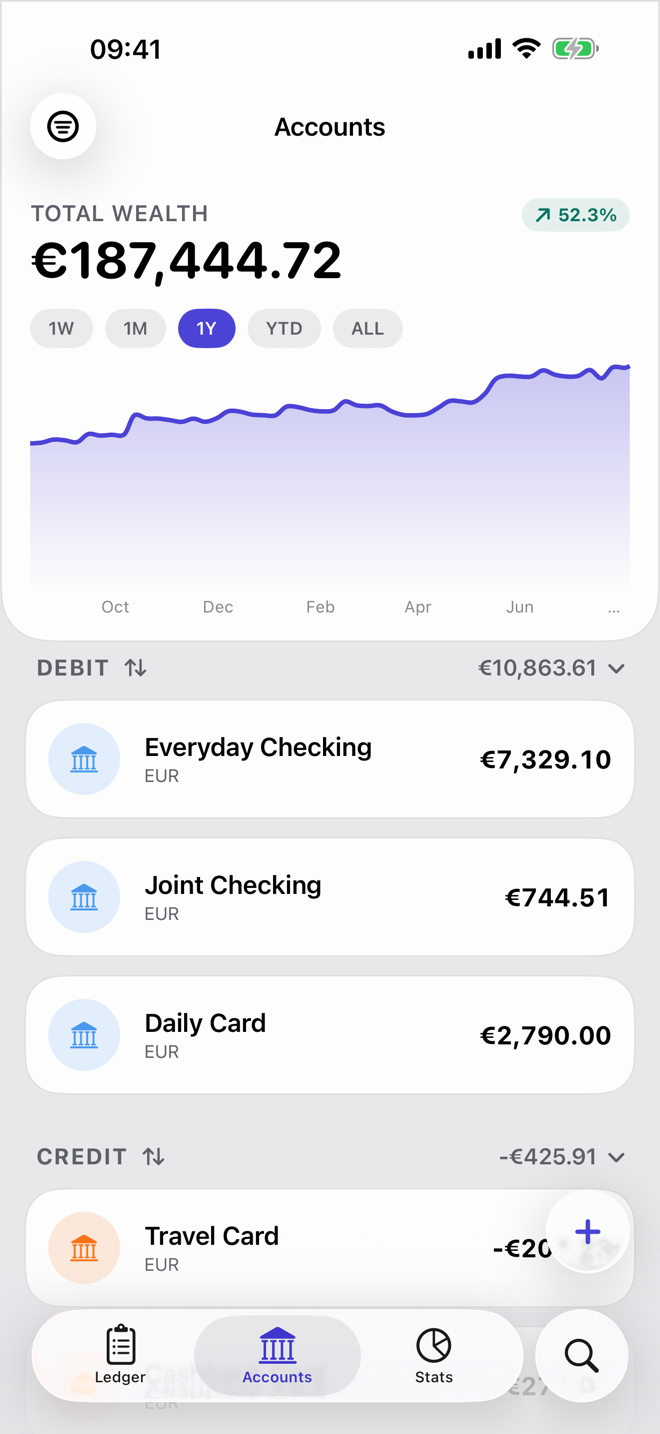
If you get paid in one currency, spend in another and keep savings in a third, most finance apps make you choose which one matters. Dribs doesn't. Each account keeps its own currency, and everything rolls up into a single total in the currency you think in.
This guide takes about five minutes and works entirely on your iPhone. Nothing is linked to your bank.
Setting it up
-
Add an account in its own currency
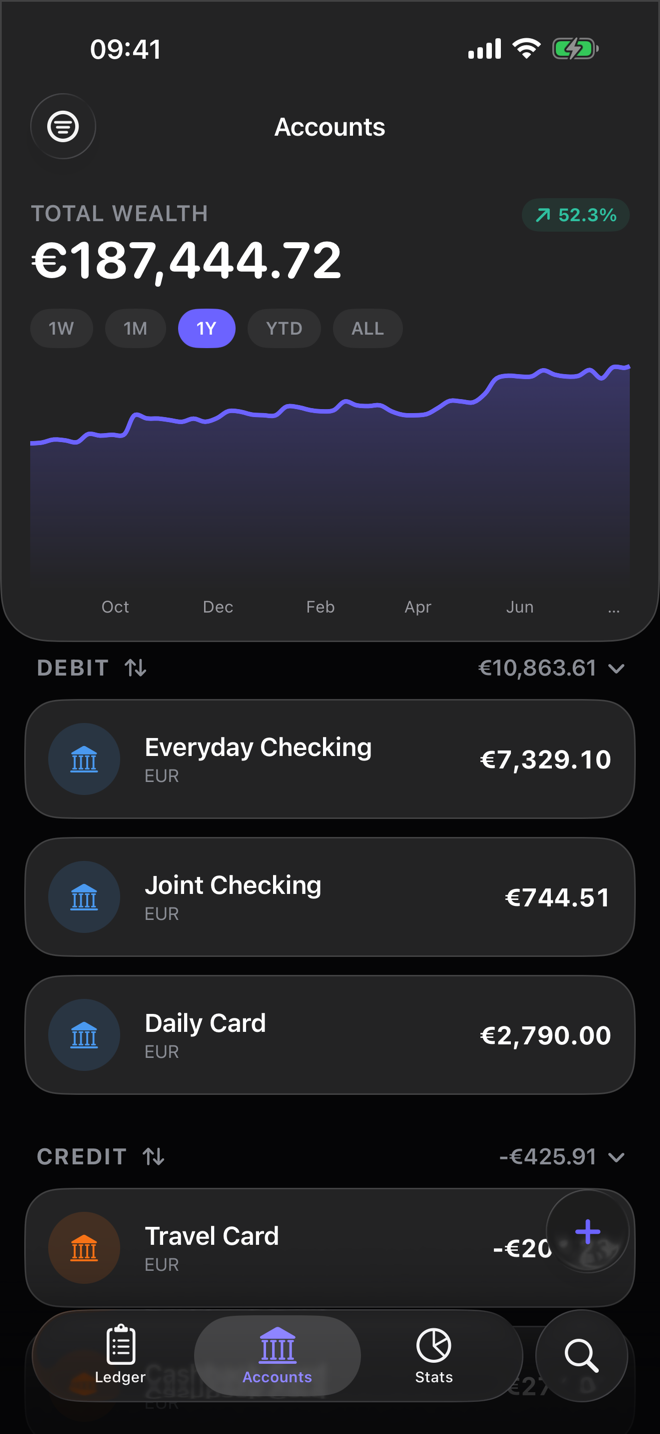
Open Accounts, tap +, and tap the currency next to the account type before you enter the opening balance. It starts as your ledger's currency. A EUR account stays in euros: you can't change an account's currency later, and Dribs never converts the balance itself.
-
Check your ledger's currency
Totals are shown in your ledger's currency, the one you picked when you set up Dribs. To change it, tap the ledger name at the top of the Ledger tab, then the pencil next to your ledger. Your accounts and transactions stay exactly as they are; only the totals are converted differently.
-
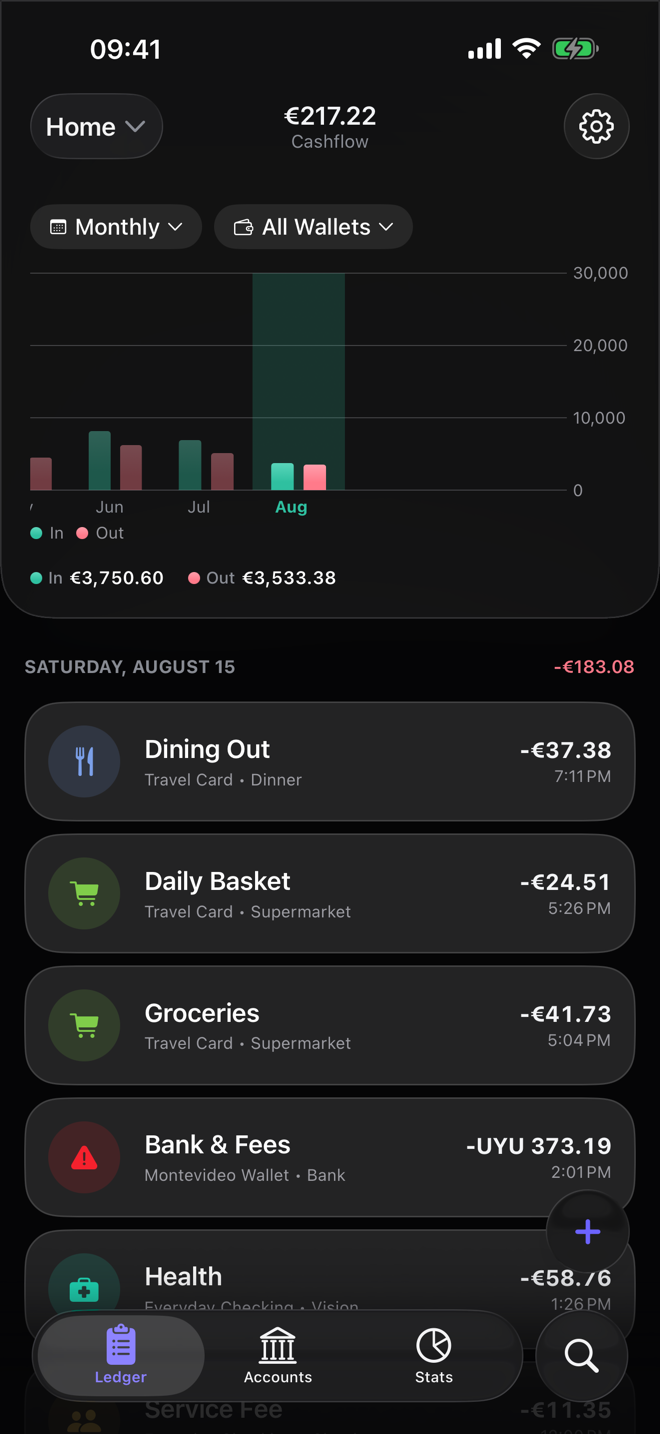
Log transactions as they happened
Enter each amount in the account's currency. The €4.20 coffee is €4.20, not its pound equivalent. Paid in something else, say on a trip? Tap the currency on the amount and enter what you paid. Dribs shows the rate and what will post to the account, and keeps both amounts.
-
Read the combined picture
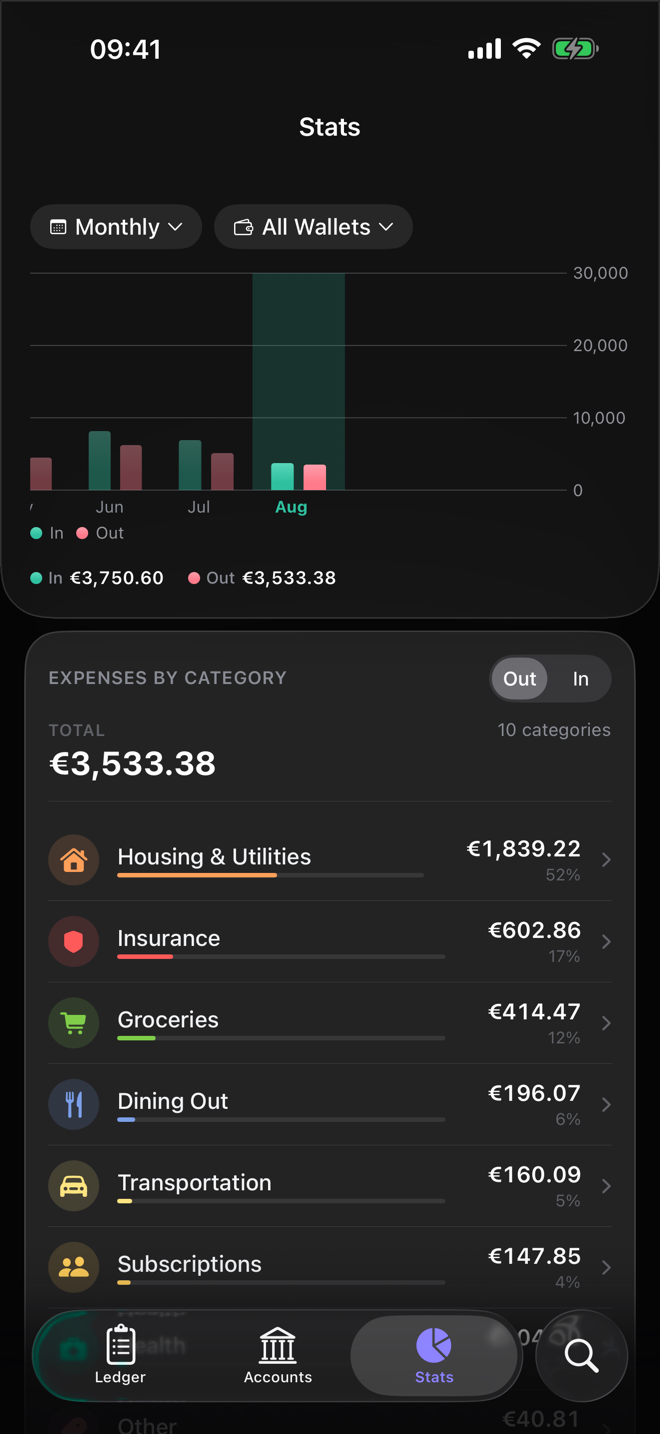
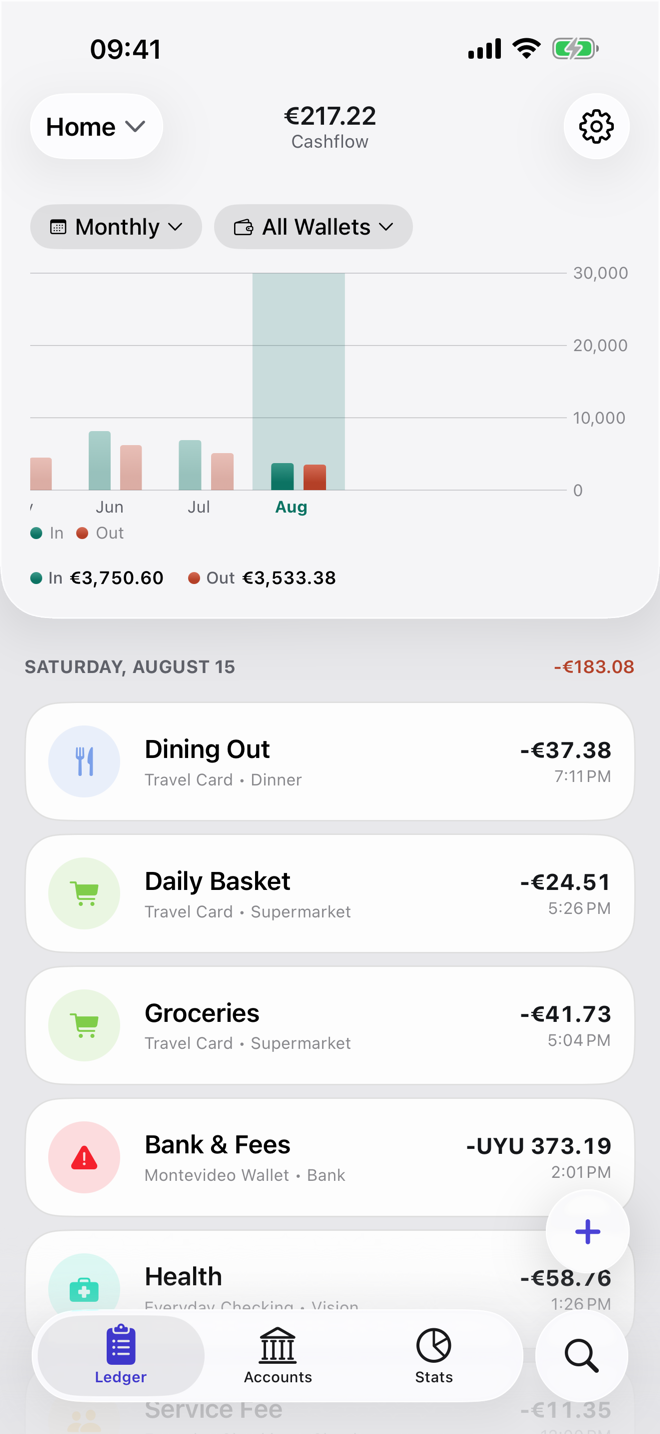
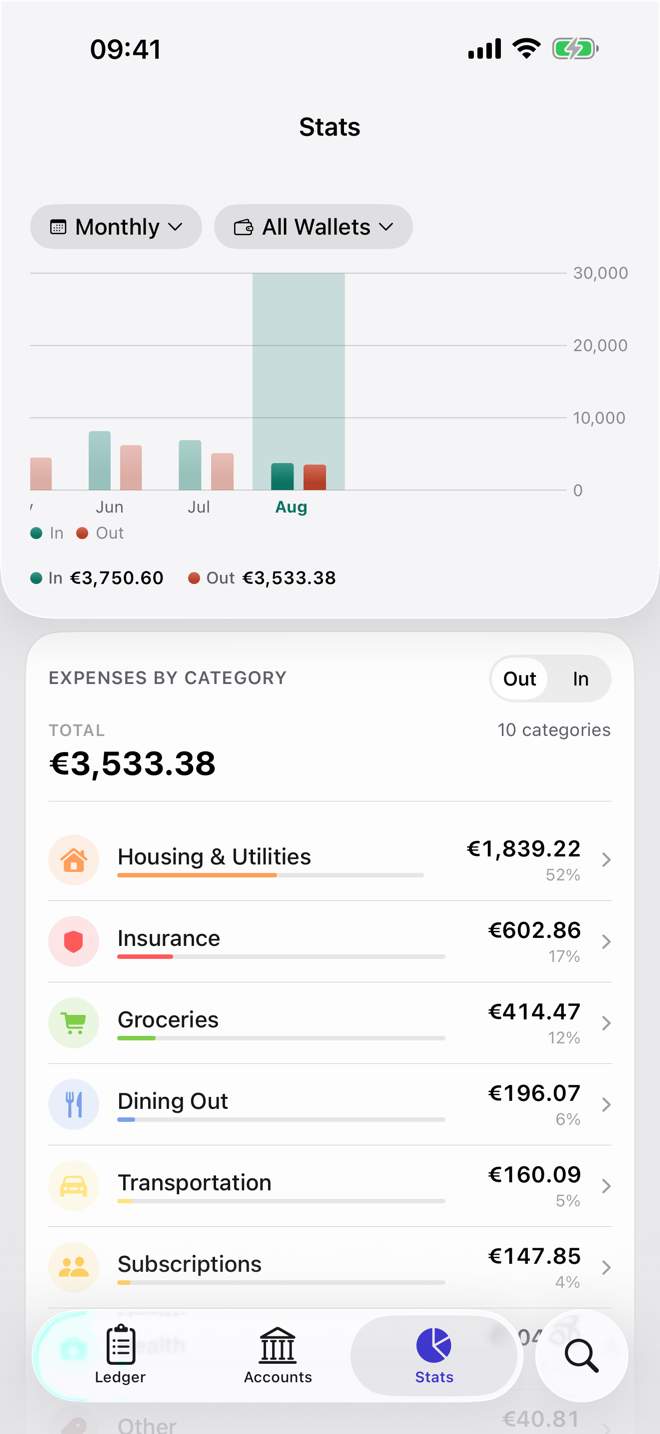
The Insights tab adds everything up in your ledger's currency, so spending in Lisbon and spending in London land in the same chart.
A note on exchange rates
Your Total Wealth on the Accounts screen uses the latest rates Dribs has fetched, so it moves a little when currencies do, even on days you don't spend anything. That's not a bug. It's what your money is worth in your ledger's currency today. How Dribs calculates net worth covers the rest.
Spending works differently: each transaction is converted at the rate for its own date, so last month's spending doesn't change when the euro moves.
Moving money between accounts in different currencies? Record it as a transfer, not an expense. Each side keeps its own currency, and transfers never count as spending.

Try it in Dribs
Add your first account in another currency in under a minute. Free on the App Store for iPhone and iPad. No bank login, no account.
