Dribs vs. Cashew: Find the right money tracker.
Cashew and Dribs both keep your data on your device and work without a bank connection. The main differences are where they sync, what they focus on and which devices they run on. Cashew is a budget-focused app for Android, iOS and the web that backs up and syncs through Google Drive. Dribs is an iPhone and iPad app built around accounts and net worth that syncs through iCloud.
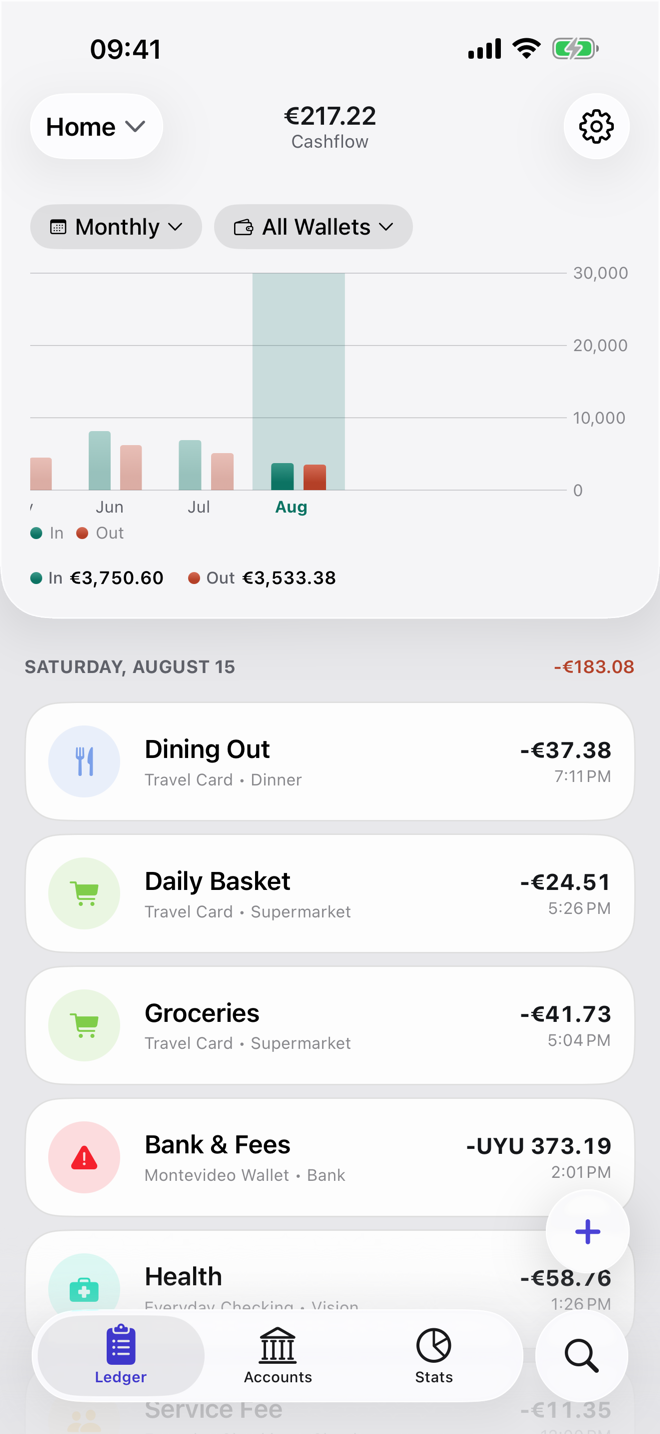
Dribs vs. Cashew at a glance.
| Dribs | Cashew | |
|---|---|---|
| Expense tracking | Manual entry and CSV import. Categories with subcategories, tags, recurring transactions. | Manual entry, CSV and Google Sheets import. Categories with subcategories; upcoming, subscription, repeating and loan transactions. |
| Budgets | Monthly spending limits by category, account or tag. | Budgets with custom time periods, category limits and past periods, plus spending and saving goals. |
| Net worth | Total wealth with a history chart; credit cards count as debts. | Net worth on the home screen; you choose which accounts count. |
| Investments | Holdings with quantity, average cost, buys and sells; prices entered by hand (Pro). | Not mentioned in Cashew's official documentation. |
| Loans and debts | Credit-card accounts only. | One-time and long-term loans. |
| Accounts and currencies | 82 currencies, one per account, with totals converted at daily rates. | Multiple accounts and currencies with conversion; one currency per account. |
| Data storage | Local database on your device. | Local database on your device. |
| Sync and backups | Optional, through your iCloud (CloudKit sync, iCloud Drive backups). | Optional, through your Google Drive. Needs a Google account. |
| Sharing | Share a ledger with people you invite through iCloud. Each person needs Pro, or one plan via Apple Family Sharing. | Cashew's FAQ says sharing with others requires sharing a Google account. |
| Bank connection | None. | None mentioned in Cashew's official documentation. |
| Pricing | Free version. Optional Pro subscription, monthly or annual, priced per country in the App Store. | Free version. Optional Pro as a monthly or yearly subscription or a one-time lifetime purchase. The web app doesn't support Pro. |
| Platforms | iPhone and iPad (iOS/iPadOS 26.1 or later). | Android, iPhone and iPad (iOS/iPadOS 18 or later), web app. |
| Source code | Closed source. | Open source on GitHub (GPL-3.0). |
| App languages | English, German, Spanish. | English and 45 more, including German. |
Which one should you choose?
Choose Cashew if you…
- use Android, or want a web app as well as a phone app,
- want deeper budgeting: several budgets with custom periods, category limits, goals and loans,
- prefer a one-time purchase; Cashew Pro has a lifetime option and costs less than Dribs Pro in the App Store countries we checked,
- already use Google Drive for backups,
- want an open-source app, or one of its 46 interface languages.
Choose Dribs if you…
- use iPhone or iPad and would rather sync through iCloud than a Google account,
- want to share a ledger with your partner while each of you keeps your own Apple Account,
- want investment holdings with cost basis next to your cash (Pro),
- think in accounts and net worth more than in budgets,
- want a free version with unlimited accounts and transactions.
Frequently asked questions
Which one keeps my data more private?
Both store data in a local database on your device, and neither developer says it runs servers that store your financial data. The practical difference is the optional cloud: Dribs uses your iCloud account, Cashew uses your Google Drive.
Can I move from Cashew to Dribs?
There's no dedicated Cashew importer. If you have your transactions as a CSV file, Dribs can import them account by account, with automatic column mapping you can adjust. Check categories afterwards.
Sources
Competitor details come from the official pages below. Dribs details come from the Dribs App Store listing and Terms of Use.
- Cashew website
- Cashew FAQ
- Cashew privacy policy
- Cashew on GitHub (README and license)
- Cashew on the App Store
- Cashew on Google Play
- Dribs on the App Store
- Dribs Terms of Use (free vs. Pro)
Last reviewed . Cashew is a trademark of its respective owner. Dribs is not affiliated with or endorsed by Cashew. Features and prices change; check the official sources before deciding.
Keep reading
On iPhone? Give Dribs a try.
Free to download, no account needed. Your data stays on your device unless you turn on iCloud sync.
